BUILDING A PLANNER, JUST FOR YOU!
It does what you want and what you need.
Too many systems try to do it all.
Visual Planning focuses on what you need, providing 'audiences' with only 'what they need, when they need it and in the format that suits them'.
Full Features Below ...
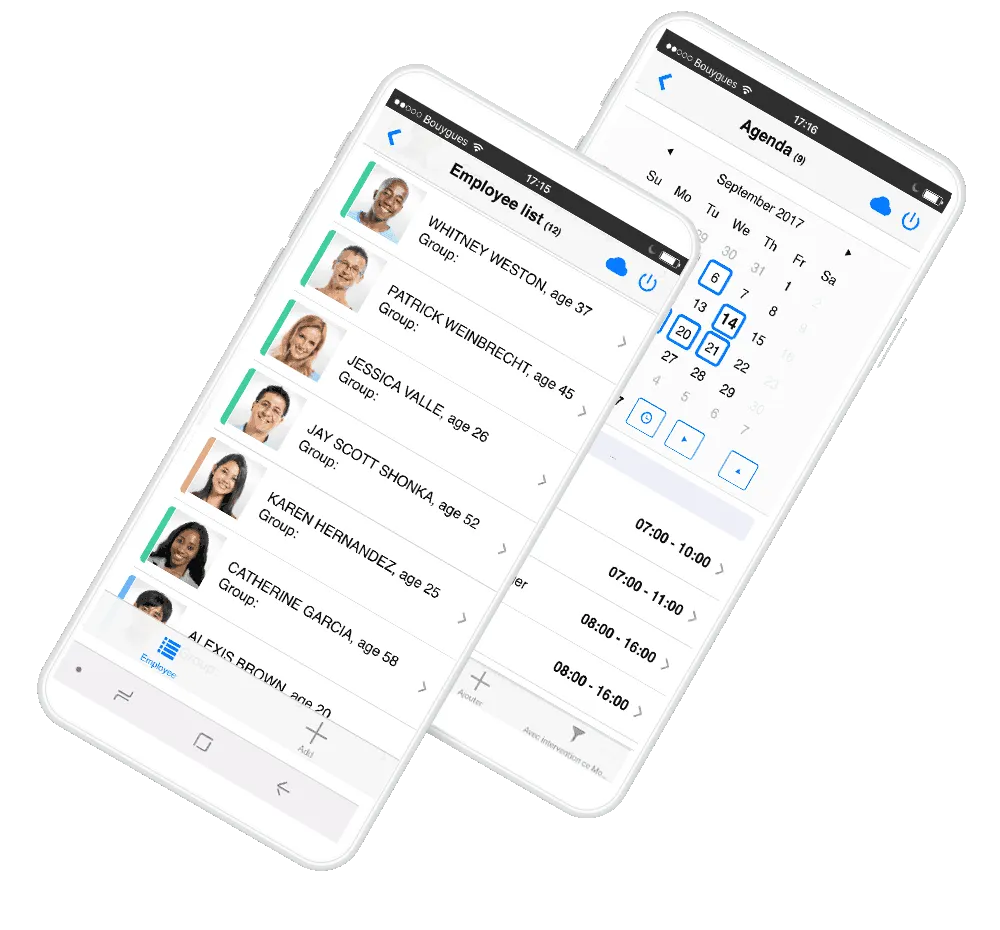
MAKING YOUR PLANNER VISUAL

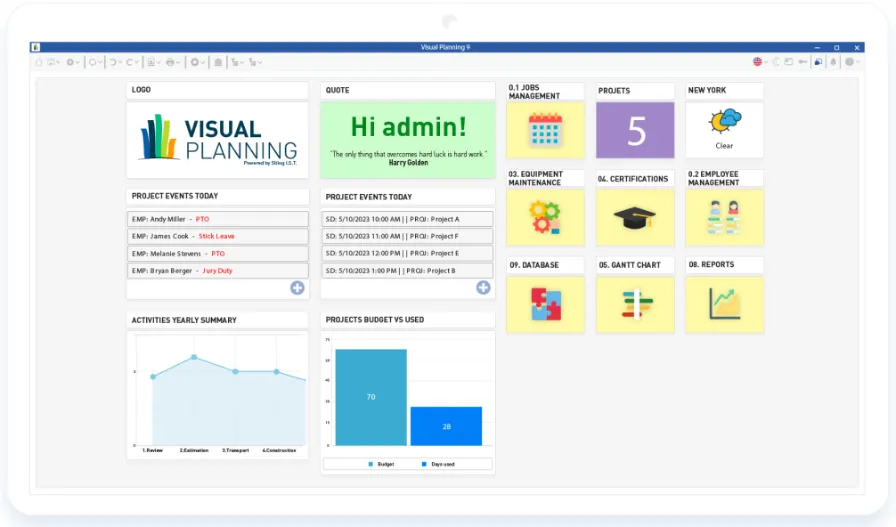
CHOOSE YOUR VIEWS
Decide how to present information, for yourself and your team. Users can select views that work best for them.
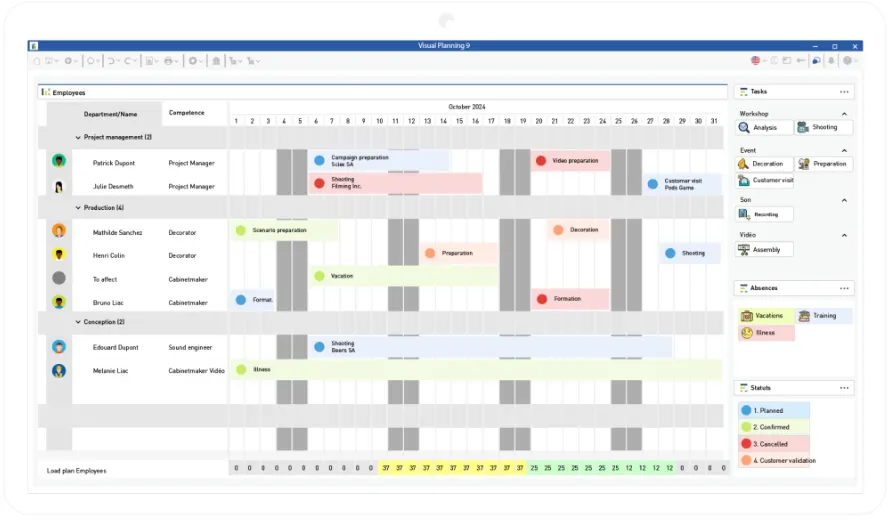
CHOOSE WHAT YOU SEE
Decide what information needs to be seen in each view and how best to present it.
WHAT CAN YOU DO WITH A PLANNER?
-
Plan with simple, intuitive, 'drag and drop' power
-
Highly customise interfaces, (layouts, icons, text)
-
Select views that work for you, showing what you need to see, when you need to see it, in a format that works
-
Add business rules, filters and fast searches
-
Then view, share and update, in real-time
MAKE IT YOUR OWN
Below are a selection of ways to customise and leverage your planner.
Manage your data
Create views to see, update, manage and share with others, in real-time. Let users decide what they see, when and how without impacting other users.
Unlimited growth
Add unlimited resources and plan and schedule them against your events. Then manage statuses to keep you up to date with all of your activities.
Automate to simplify
Simplifying what you do and how you do it is essential to effective planning. Automation is one step to achieving this.
Report on everything
Create reports and dashboards to slice through your data in seconds, saving hours of manual work. Change on the fly, send to colleagues, or, use to make decisions on future events.
Share in real-time
Share all work in real-time with colleagues or even suppliers. Decide who sees, edits, updates or deletes any element using the in-built User Rights Management.
View anywhere
Create your own views and work processes in VPGo and share with staff, on the road, or, on the go.
Leverage integration
The Free Open API allows you to integrate with a host of applications, such as CRM, ERP, MRP, or, XERO and QuickBooks.
Import/Export Data
Basic integration can be setup in minutes using Excel, Databases, or, CSV files and remains a powerful tool.
Send via SMS or EMail
Use triggers to automate the sending of SME or EMails to send messages, or, files, including customised Word style docs.
And much more!
VIEWS SHOWN BELOW ...
ONE SOLUTION, MULTIPLE VIEWS
Provide each user and groups of users, with views that work for them.
Show them the information they need, at each stage of the workflow.

Schedule Views
View tasks, events, or milestones, and make changes as needed.Visual Planning provides you with an overview of the planning process, allowing users to visualize their work and make informed decisions.
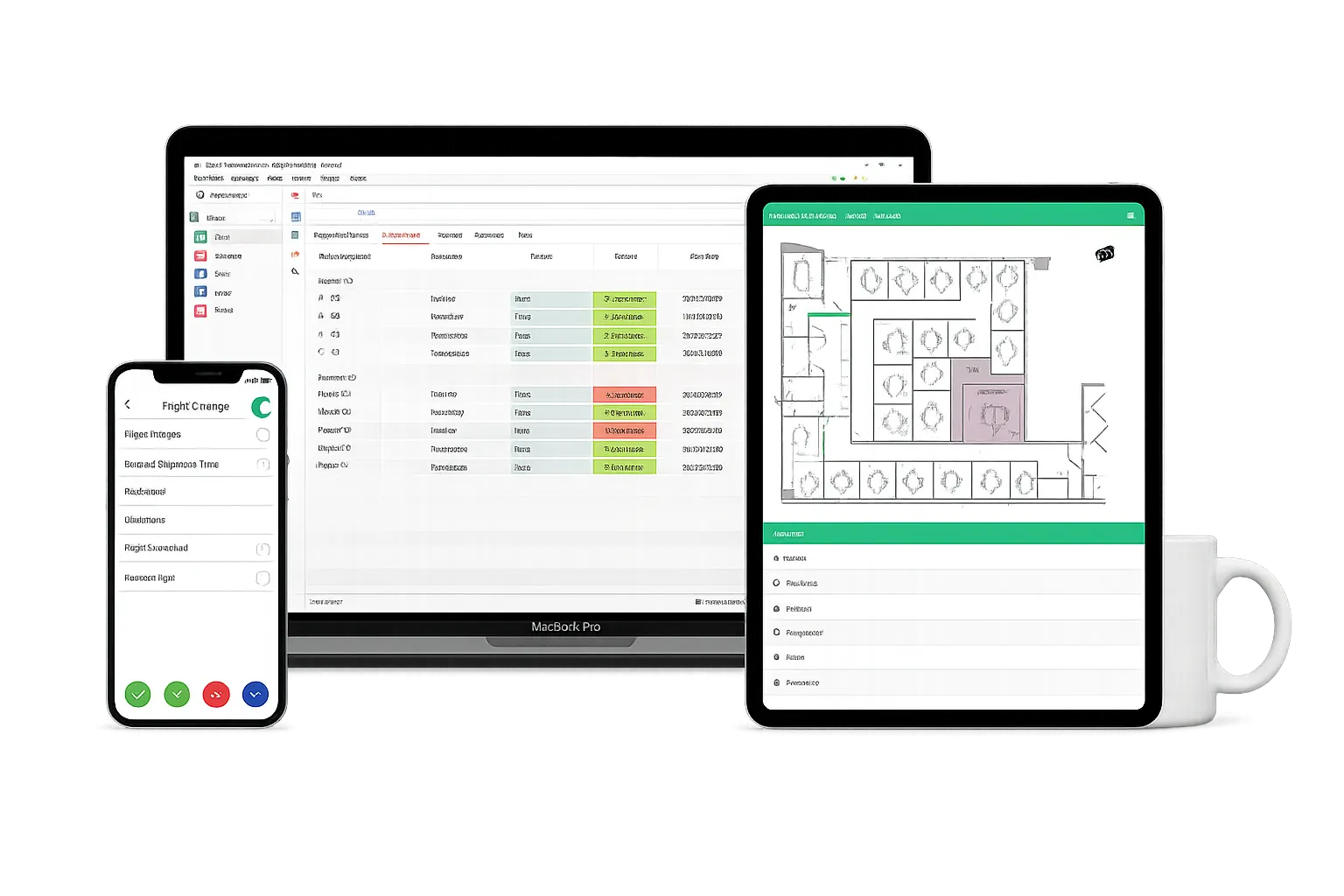
Desktop / Browser / Mobile
Works on Laptops/Tablets and iOS and Android for Mobiles.
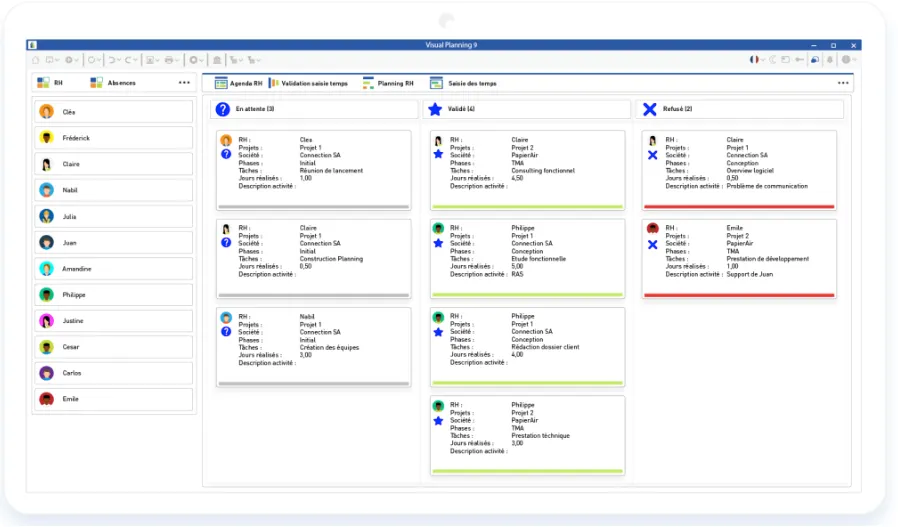
Kanban Boards
Using Kanban view in Visual Planning is important because it provides a visual representation of the workflow, promotes collaboration and flexible planning, supports continous improvement, and facilitates visual project management.

Dashboards
Visual Planning’ Dashboard increase your work productivity by providing real-time data visualization, tracking progress towards goals, monitoring key metrics, and facilitating collaboration and decision-making.
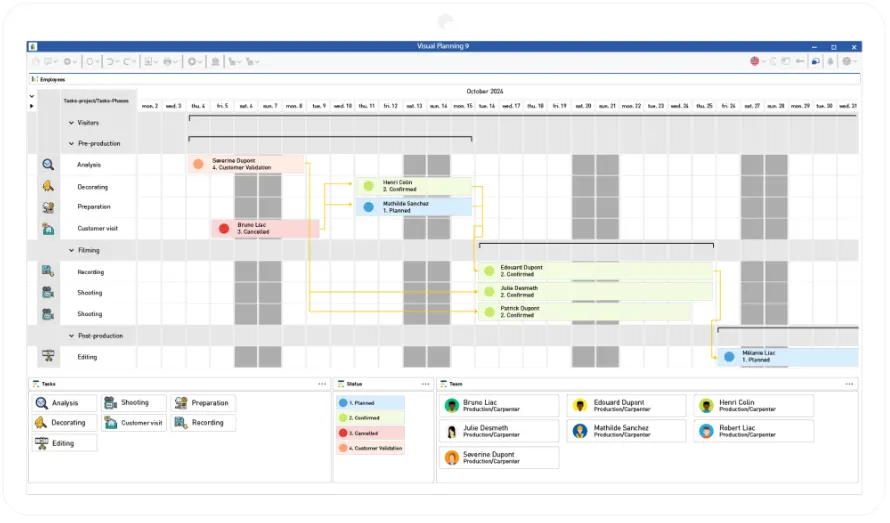
Gantt Charts
Plan, track and communicate project schedules.Visual Planning GANTT view provides a visual representation of the project timeline and helps project managers to manage tasks, dependencies, and milestones.
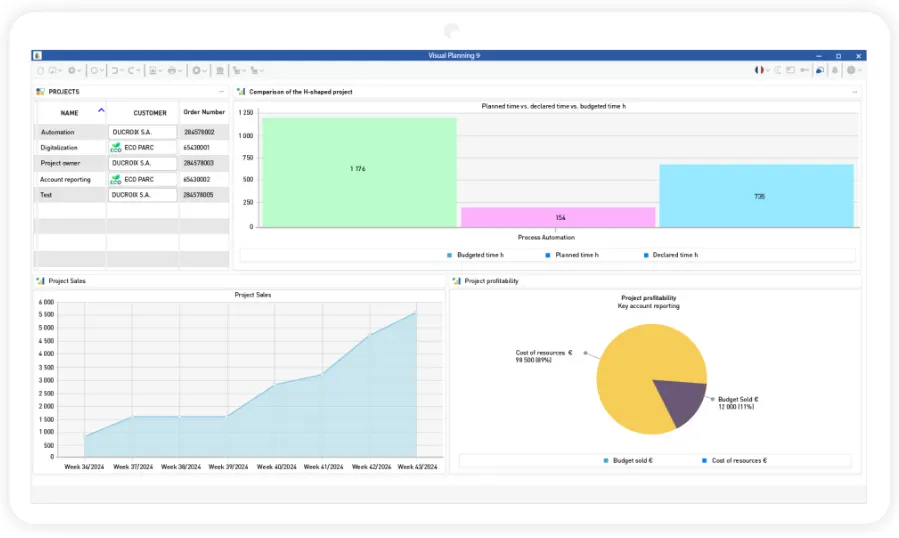
Reports & B.I.
This feature enables you to create a view that brings together all your company’s performance information (production times, sales targets achieved, resource load plan, etc.), with the aim of better managing your resources and your business.
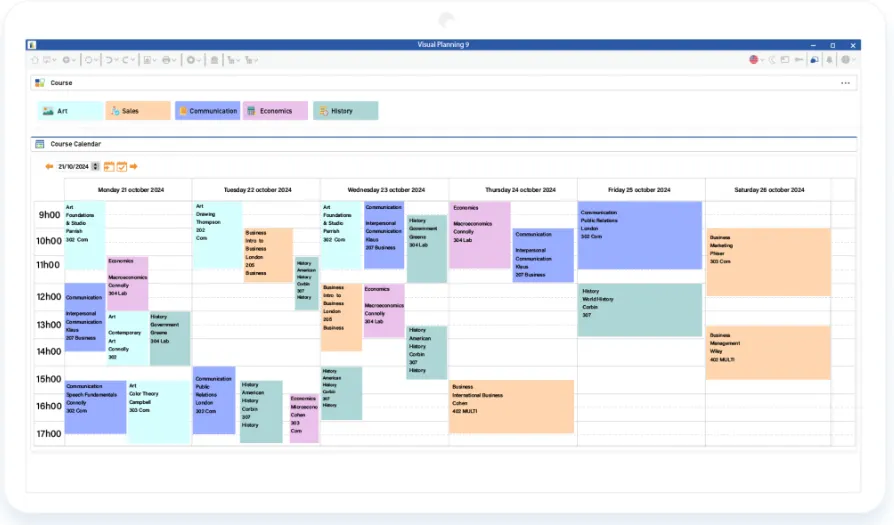
Agenda View
Visual Planning’ agenda view is designed to provide a quick and easy way for users to view their upcoming schedule, making it easier to plan and prioritize their work. Users can quickly scan the list to see what they have planned for the day, week, or month, and make changes as needed.
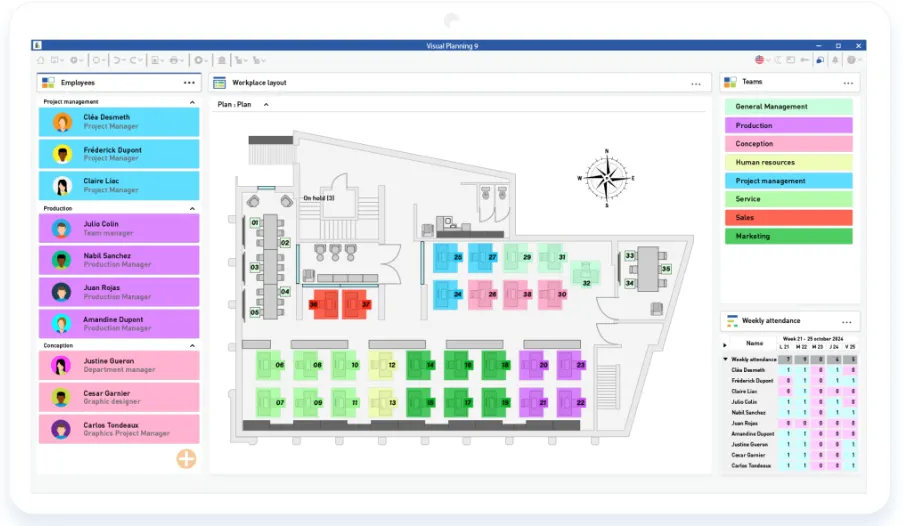
Blueprint
Blueprint view offers a clear overview of the project structure. This helps users to easily understand how the project is organized, including its hierarchical structrure, subtasks, and dependencies.
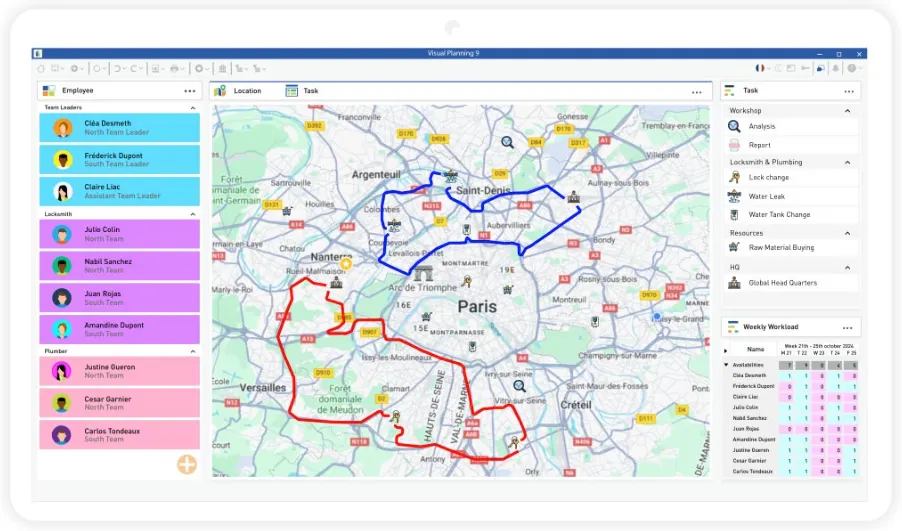
Geo Location
Geolocate and trace your resources from maps integrated into your planning software to optimize resource assignments based on distance and resource location criteria. The aim will be to schedule tasks for greater efficiency and productivity.
Automation
Discover VPAutomation, the flagship feature of Visual Planning 9 that will revolutionize the way you manage your schedules. VPAutomation will take care of scheduling and auto-assignment to optimize your productivity!

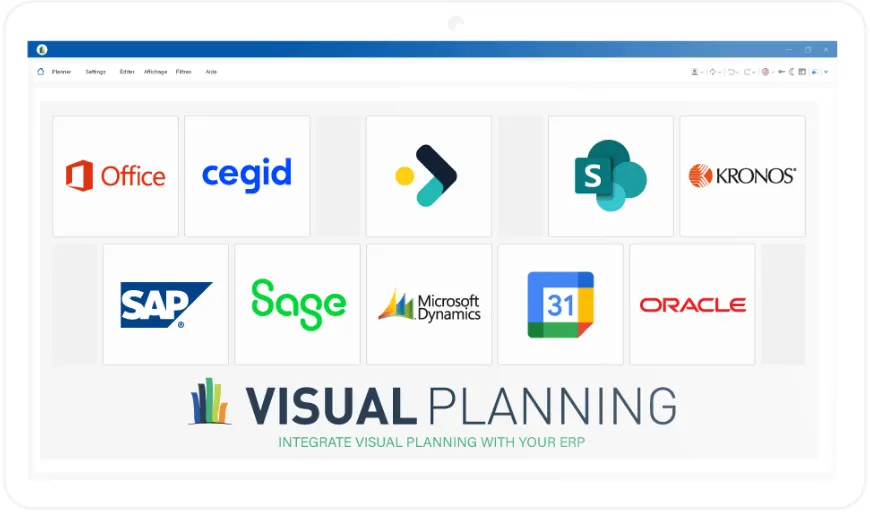
Integration and Open API
Thanks to REST and SOAP API formats, you can customize your interfaces, automate functions, create webviews or interface between your other software, so that your software perfectly matches your needs. Our customized solutions, designed by our teams, ensure complete management of your activities, while taking advantage of the functionalities specific to your sector, all from a single point of contact.
Explore our sample integrations to discover how our customers have optimized their business processes. Whether you’re looking to centralize heavy production, simplify business planning or streamline sales operations by enabling your tools to communicate, our APIs offer tailor-made solutions for every use case!
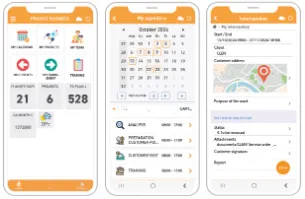
VP Go (iOS & Android)
VPGo, Visual Planning’s mobile application, makes resource and task management accessible wherever you are. This application enables your staff, customers and partners to consult and modify schedules in real time, promoting collaboration and team coordination.Whether you’re in the construction or manufacturing sectors, VPGo is the ideal solution for optimizing the management of interventions, organizing worksites, time tracking or communicating with your teams!
6,000+
CUSTOMERS
€20M+
ANNUAL TURNOVER
400,000+
USERS
OAKFIELD SOFTWARE